
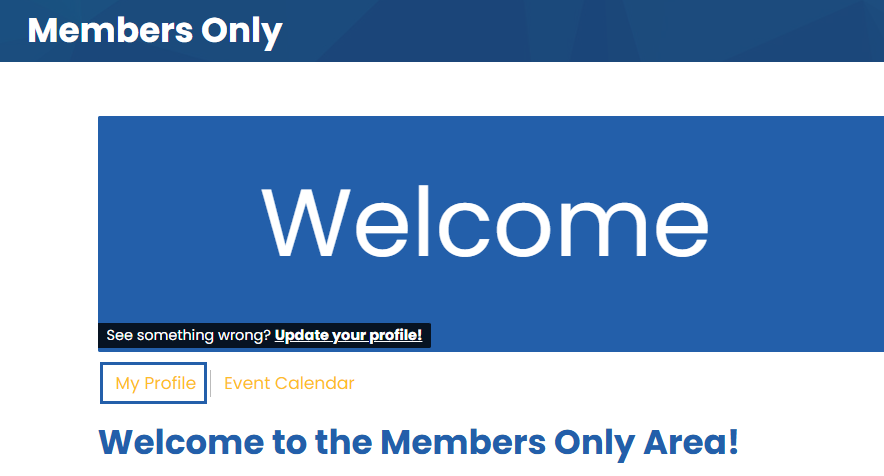
Adding a Member to your RosterRemoving a Member from your RosterUpdating Key Contact for your InstitutionAdding a Member to your RosterOnly Key Contacts are able to add members to their roster. For support, please contact [email protected] Once logged in to the members area, select My Profile.
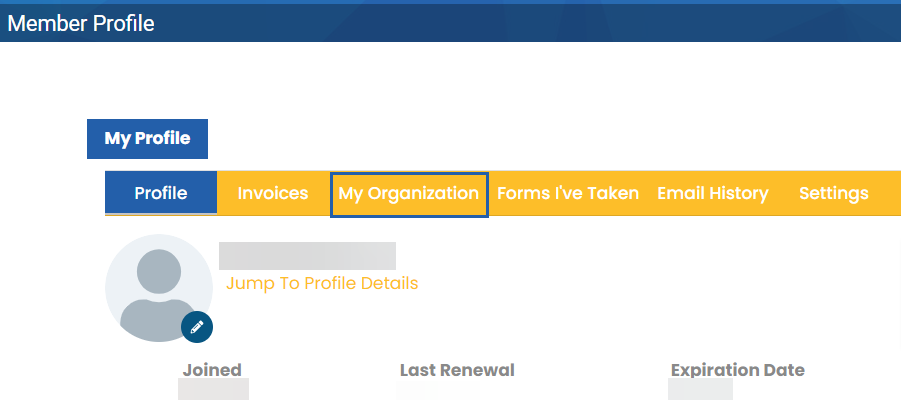
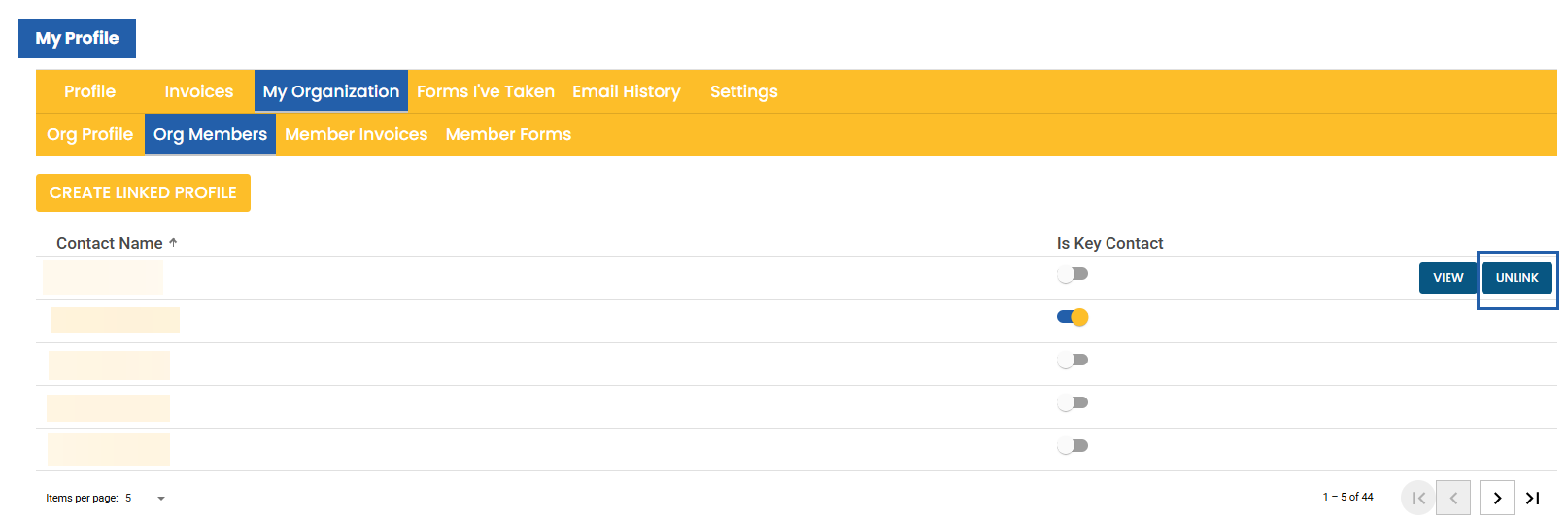
Select My Organization.
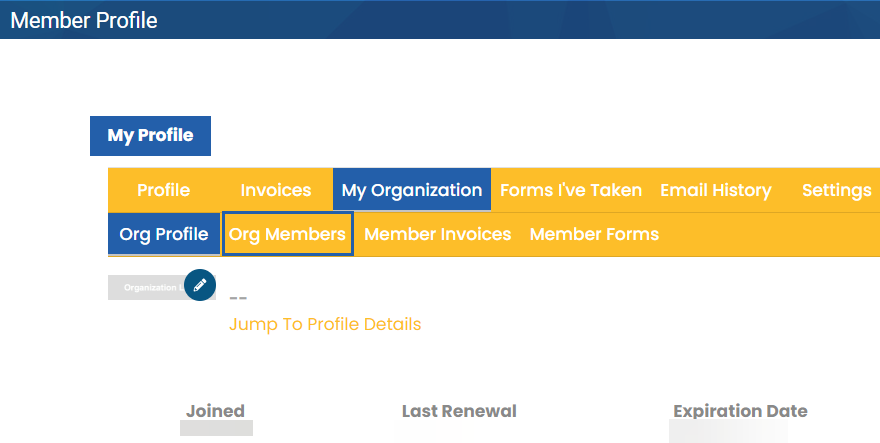
Select Org Members.
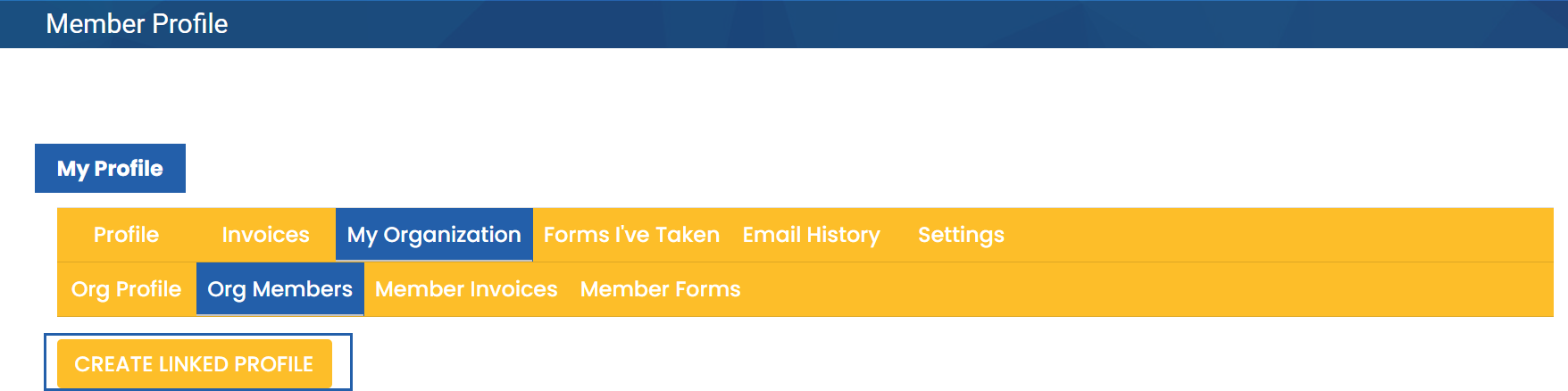
Select Create Linked Profile.
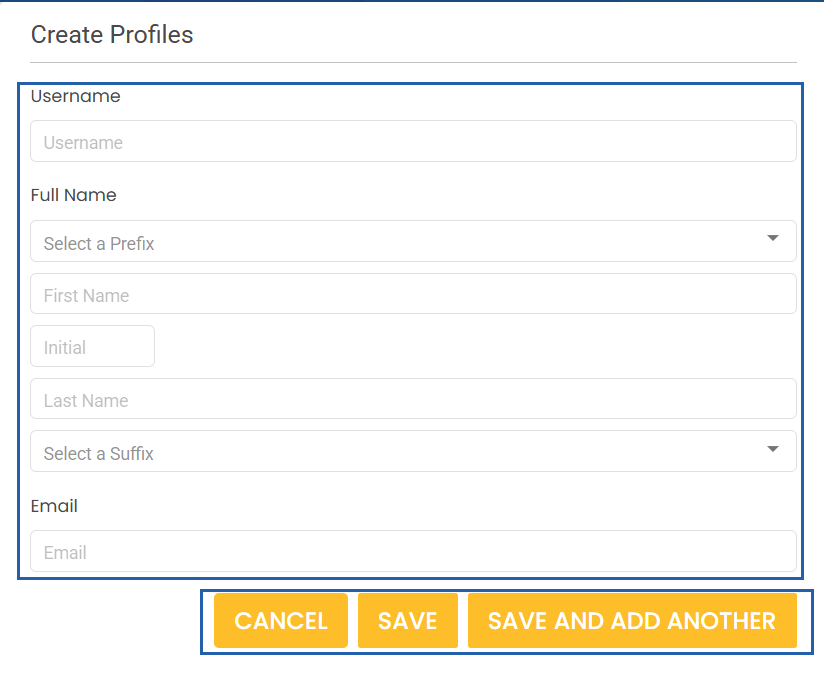
Enter member information and Cancel, Save, or Save and Add Another.
|
PACRAO
440 N. Barranca Ave #2920 Covina, CA 91723© Copyright 2026. All rights reserved.
Privacy Policy